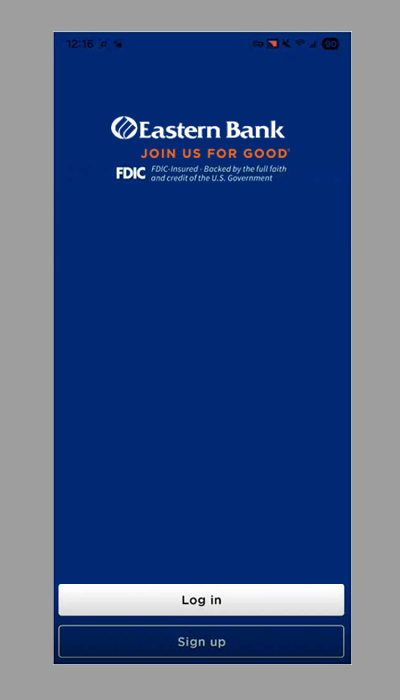
Before you begin, please be sure to delete the HarborOne banking app. You will no longer be able to use the HarborOne app for your mobile banking. Download Eastern Bank’s mobile banking app using these links and then follow the activation instructions below.
1. Once you download the mobile app, click on 'I'm arriving from HarborOne Bank'.

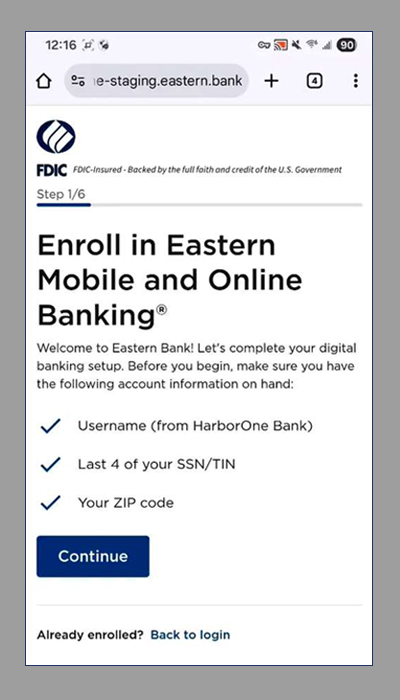
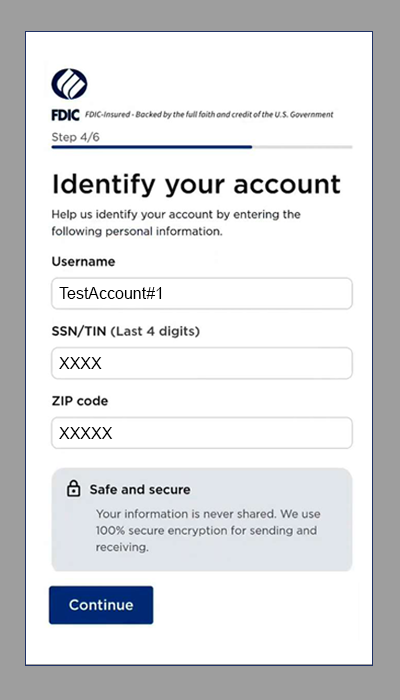
2. Have your information available:
- Username from HarborOne Bank
- Last 4 digits of your social security number
- Zip code
Click continue.
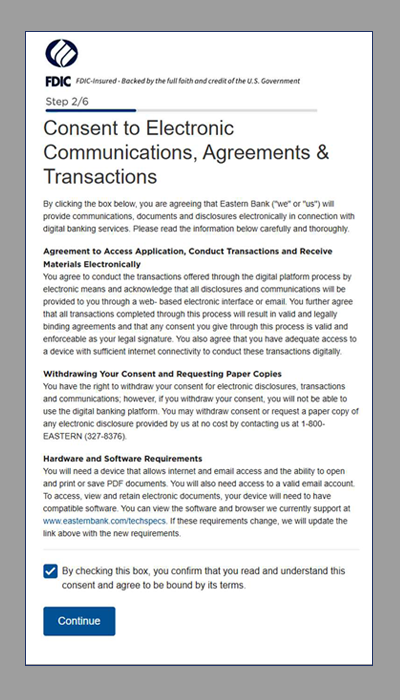
3. Check the box to confirm that you have read and understand this consent. Click Continue.
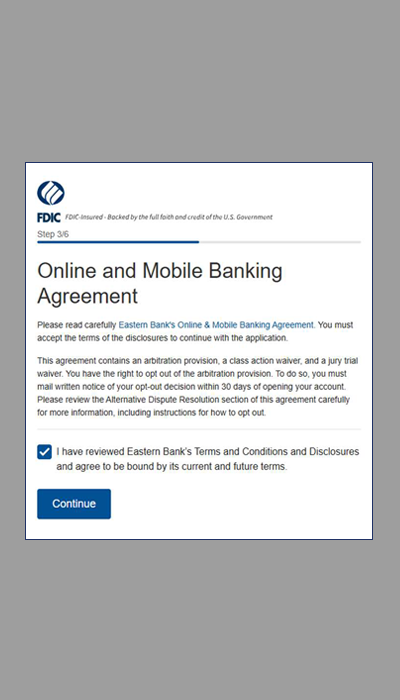
4. Check the box to confirm that you have reviewed and agreed with the Online and Mobile Banking Agreement. Click Continue.
5. Enter your information and click Continue.
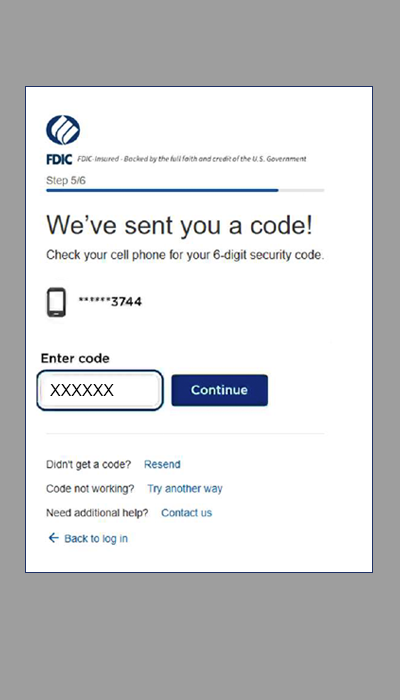
6. A 6-digit code will be sent to the mobile number we have on file. Enter the number and click Continue.
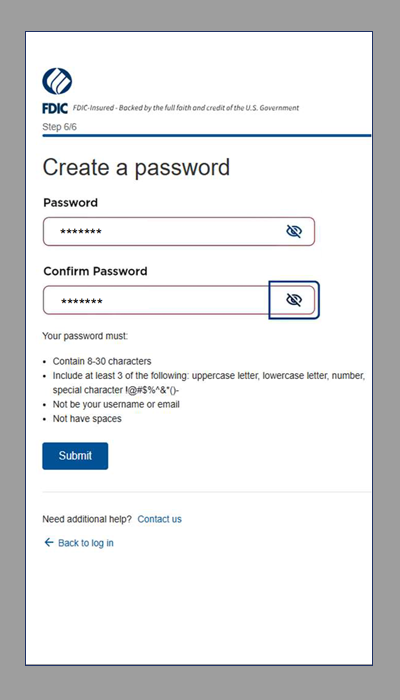
7. Create your password and click Submit.
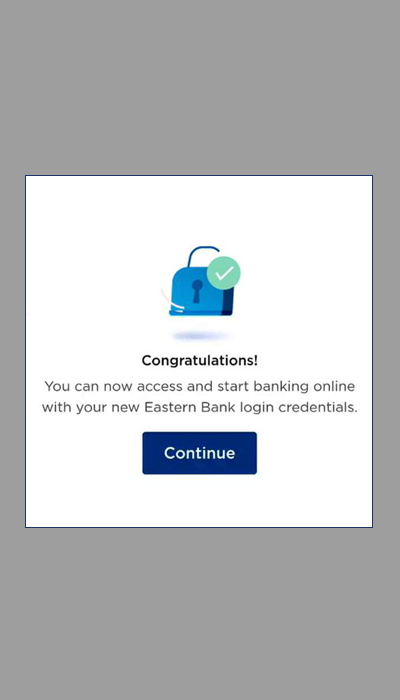
8. You will receive a message confirming that you can start banking online with your new login credentials.
9. You will be brought to the Login screen to log in using your username and new password.