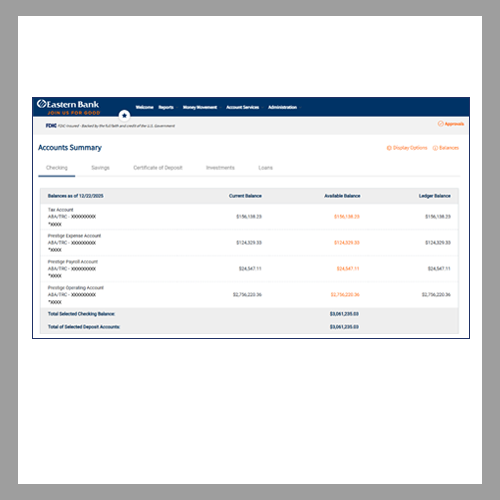
1. Visit EasternBank.com and select the Business tab in the Accounts Login box.
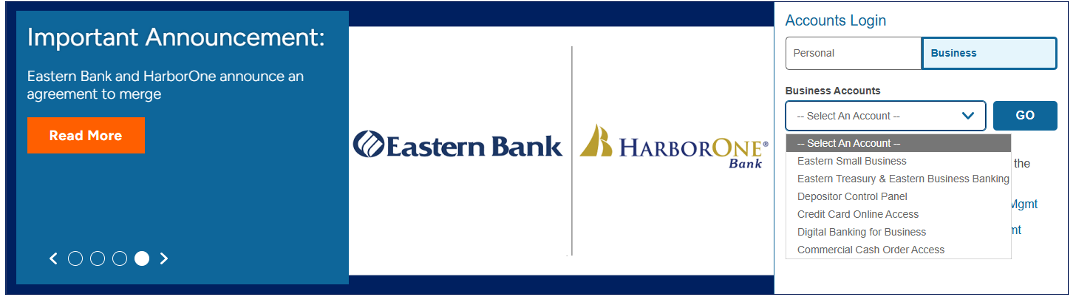
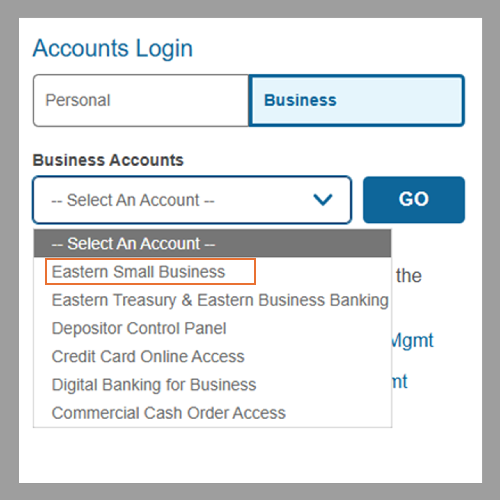
2. Click the Business Accounts drop-down menu and select Eastern Small Business. Click Go.
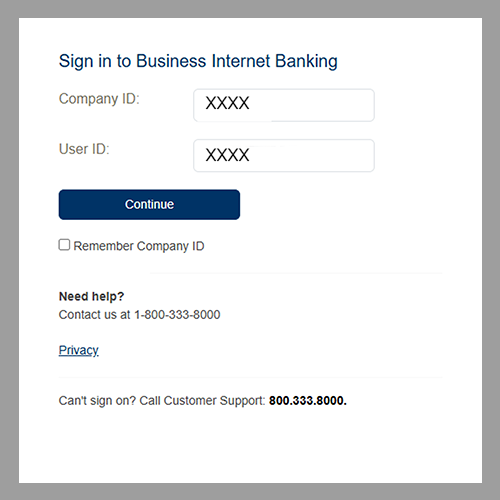
3. Input your Company ID and User ID from the secure email you received from Eastern Bank. If you would like the system to fill in your Company ID the next time you login, select Remember Company ID. Click Continue.
4. Click Continue with Security Code.
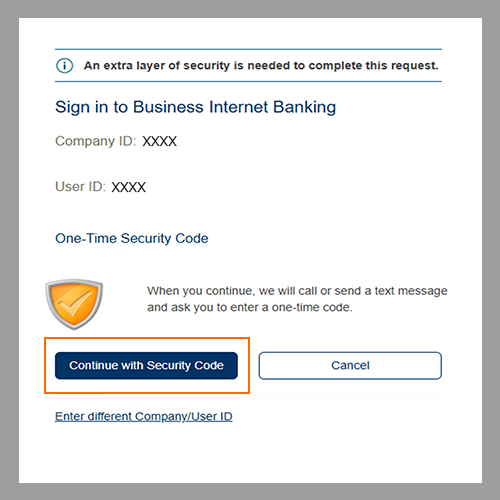
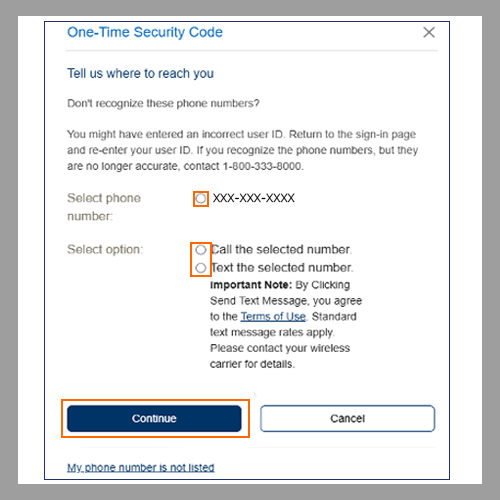
5. Select an option to receive your one-time security code and click Continue.
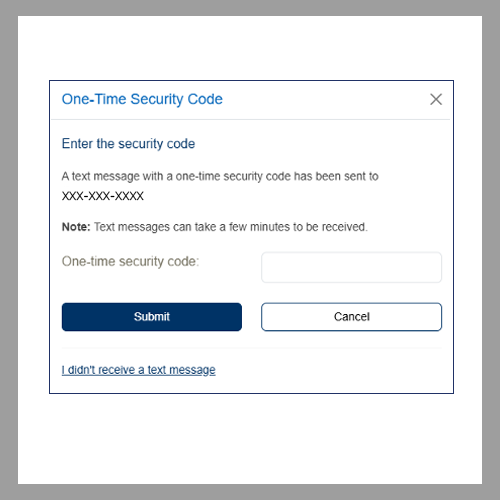
6. Enter the one-time security code and click Submit.
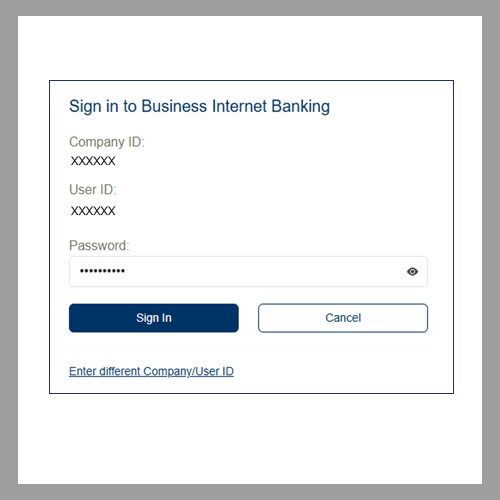
7. Enter your password and click Sign In.
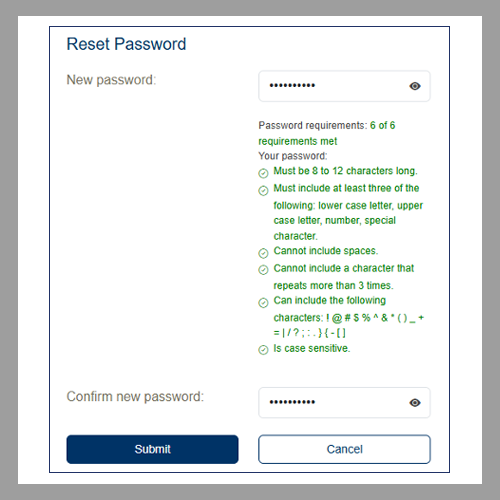
8. Create and enter your new password in the New password field and Confirm new password field. Click Submit.
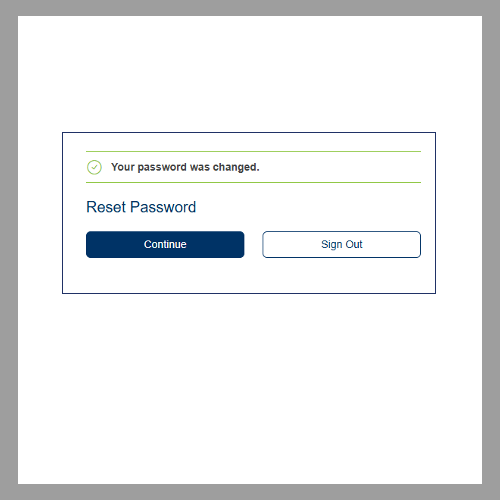
9. Once your new password is created, click Continue.
10. Read and acknowledge the Business Internet Banking Online Agreement by selecting I have read, understood, and agreed to disclosures. Click Continue.
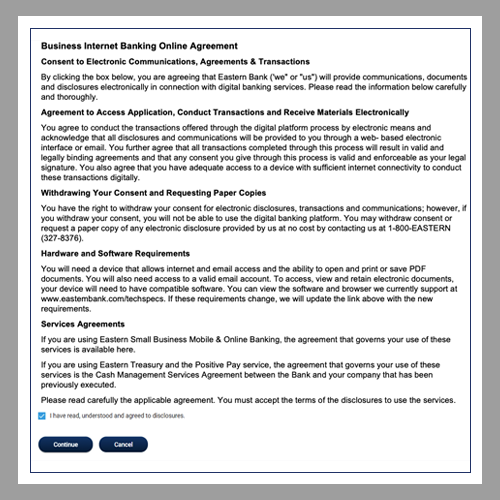
After clicking Continue, you should be logged into your home screen.