Welcome to Eastern Bank. Your HarborOne account has moved to Eastern Bank. If you have not yet logged into Eastern Mobile & Online Banking, that's ok. We can help you start. Please follow the steps below.
If you're looking for instructions to log in on the Eastern Bank mobile app, click here.
Para ver estas instrucciones en español, haga clic aquí.
Para visualizar estas instruções em português, clique aqui.
Pou wè enstriksyon sa yo an kreyòl Ayisyen, klike la a.
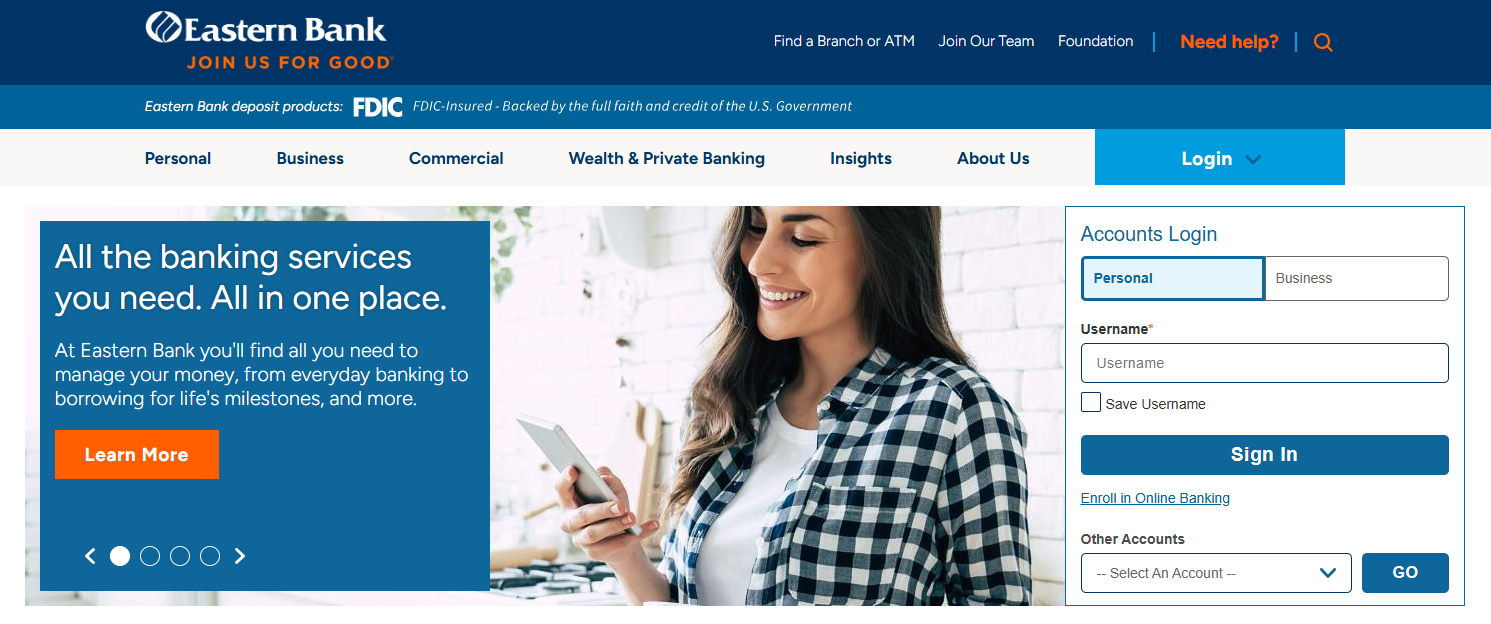
1. Visit EasternBank.com and click the Activate button.

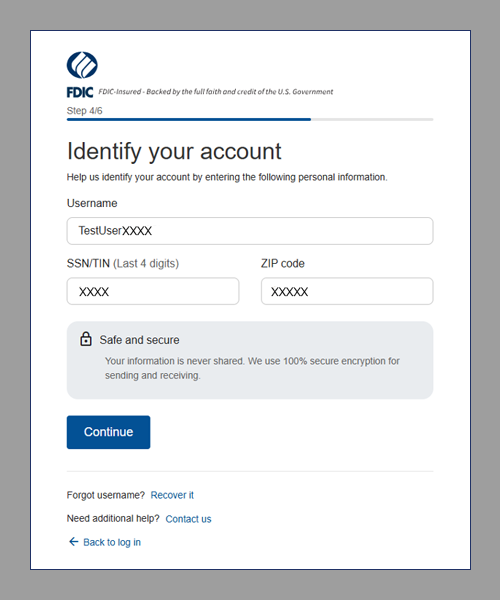
2. Have your information available (username from HarborOne Bank, last four digits of your social security number, and your ZIP code). Click Continue.

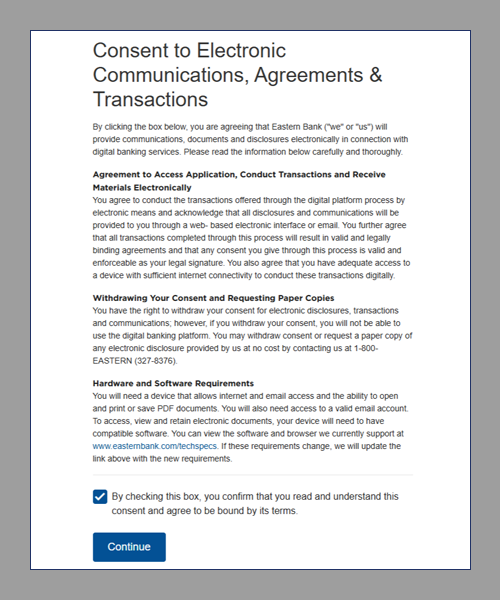
3. Check the box to confirm that you have read and understand this consent. Click Continue.
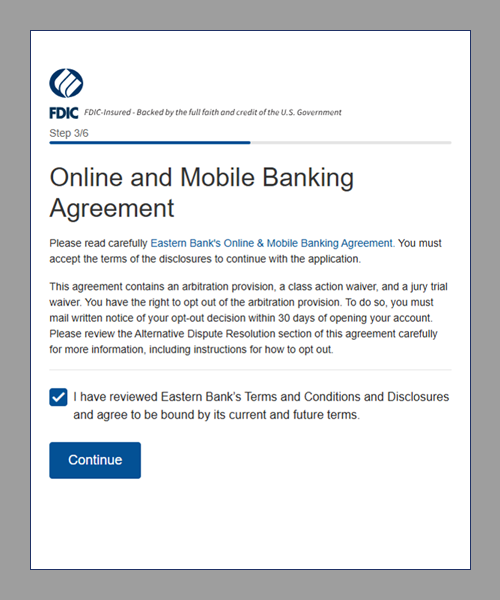
4. Check the box to confirm that you have reviewed and agreed with the Online and Mobile Banking Agreement. Click Continue.
5. Enter your information and click Continue.
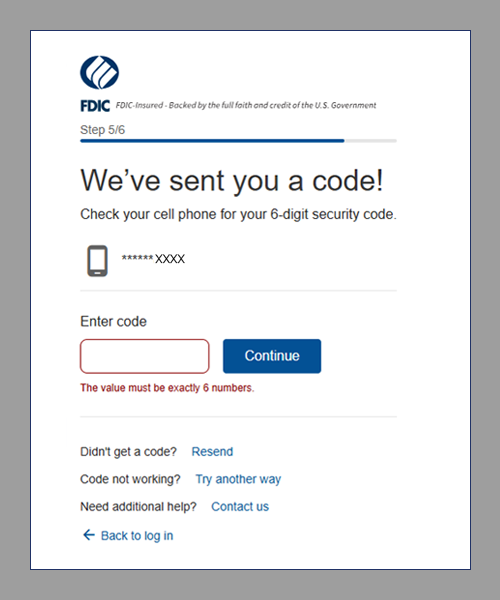
6. A 6-digit code will be sent to the mobile number we have on file. Enter the number and click Continue.
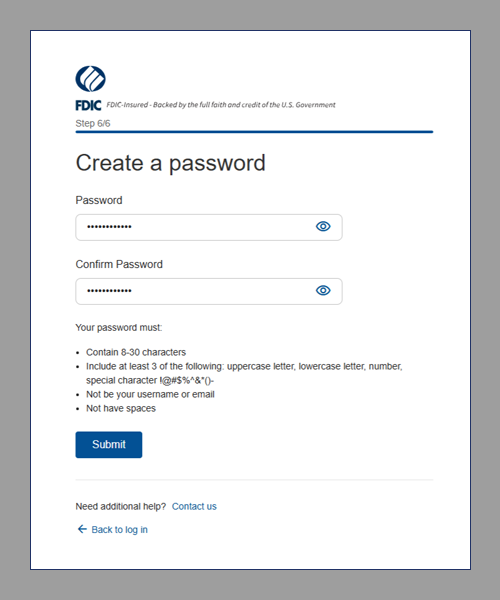
7. Create your password and click Submit.
8. You will receive a message confirming that you can start banking online with your new login credentials.
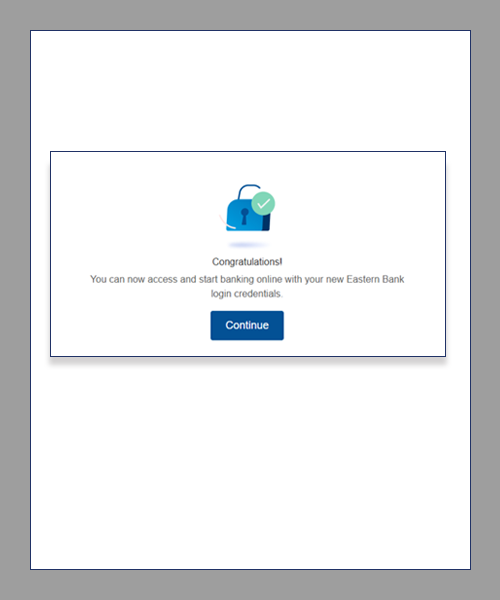
You will be brought to the EasternBank.com homepage to log in using your new username and password.